 y
yAmazon killed their universal wishlist extension in March 2023. You can no longer save items from other stores to your Amazon wishlist. If you shop anywhere besides Amazon, you need a different app.
Best alternatives: Moonsift (cleanest design), Chestr (price tracking), Sortd (simple & free), or Wontsy (fashion + outfit building).
What Happened to Amazon's Universal Wishlist?
If you're searching for "Amazon wishlist alternative," you probably remember when Amazon's wishlist actually worked on other websites.
Here's what changed: In March 2023, Amazon discontinued their Assistant browser extension. Before that, you could install it and save items from Zara, H&M, ASOS, or any other store directly to your Amazon wishlist.
That feature is gone. Amazon's wishlist now only works for products sold on Amazon itself.
Important: The old "Add to Amazon List" extension no longer works. If you're still trying to use it, it won't save items from other stores anymore.
Why Amazon Wishlist Falls Short Now
Even for Amazon-only shopping, the wishlist has some frustrating limitations:
- Amazon products only – Can't save anything from other stores
- 1,250 item limit – Per list (most people won't hit this, but still)
- No real price tracking – You don't see price history or get alerts for other stores
- Buggy "purchased" updates – Items don't always show as bought, leading to duplicate gifts
- Removed search feature – You used to be able to search within your wishlist. Amazon removed it.
If you only shop on Amazon, it works fine. But most people shop at multiple stores – especially for fashion.
Best Amazon Wishlist Alternatives
These apps do what Amazon's wishlist used to do: save items from any website into one place. Each has different strengths.
Moonsift – Best for Clean Design
Moonsift
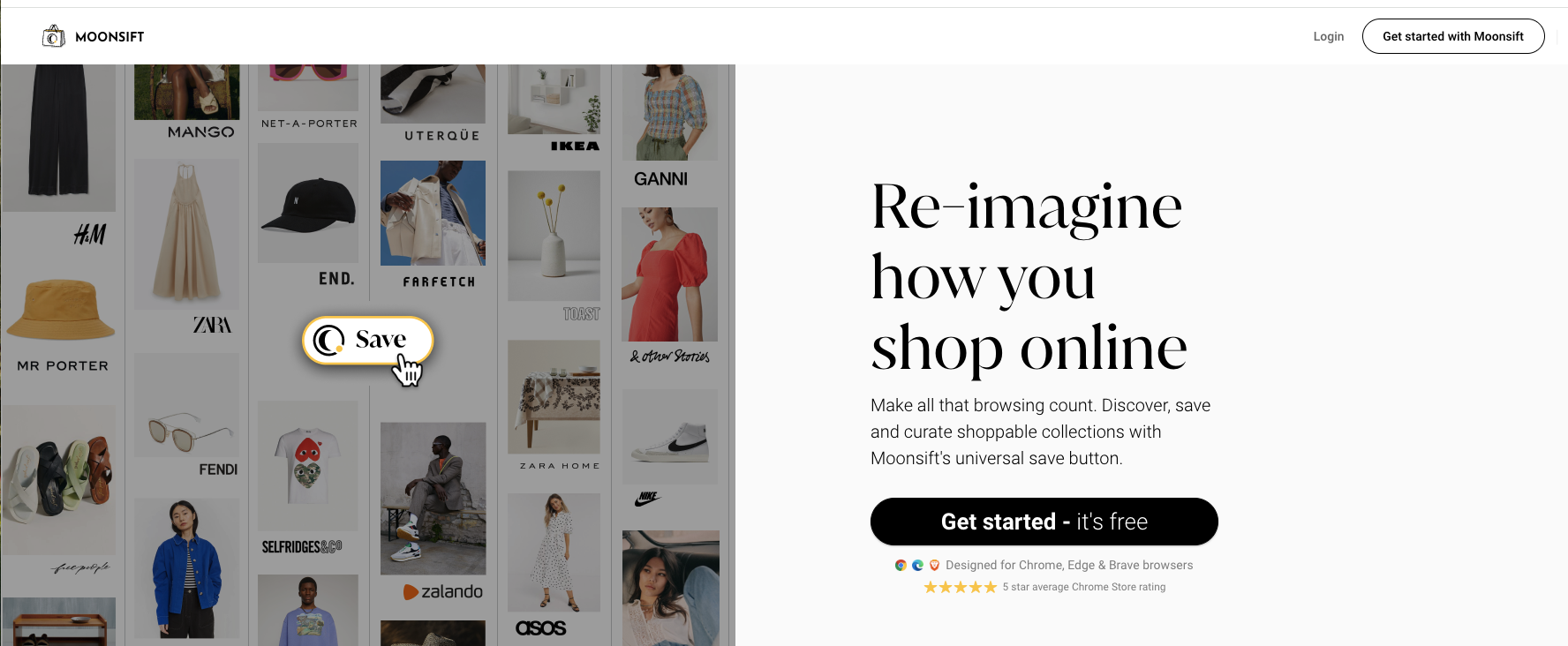
Moonsift is probably the most polished option. Clean interface, works on any store, easy to organize into collections. Popular with personal shoppers and interior designers.
Has a "Gift list" mode where friends can mark items as purchased without you seeing who bought what. No Android app yet, but iOS and browser extension work well.
Chestr – Best for Price Tracking
Chestr

If you care most about catching sales, Chestr is worth checking out. It shows actual price history charts so you can tell if a "50% off" deal is real or if the item was always that price.
Also lets you save screenshots directly into the app – useful for items you see on Instagram that might disappear. Has iPhone app and Chrome extension.
Sortd – Best for Simple & Free
Sortd

Sortd has grown to 200,000+ users by keeping things simple. Save items, organize into lists, get notified when prices drop. No fancy features, just does what it promises.
Completely free with no premium tier. Chrome extension and iOS app, web app works on any device. Good choice if you just want a basic replacement for Amazon's old extension.
Wontsy – Best for Fashion & Outfits

Wontsy
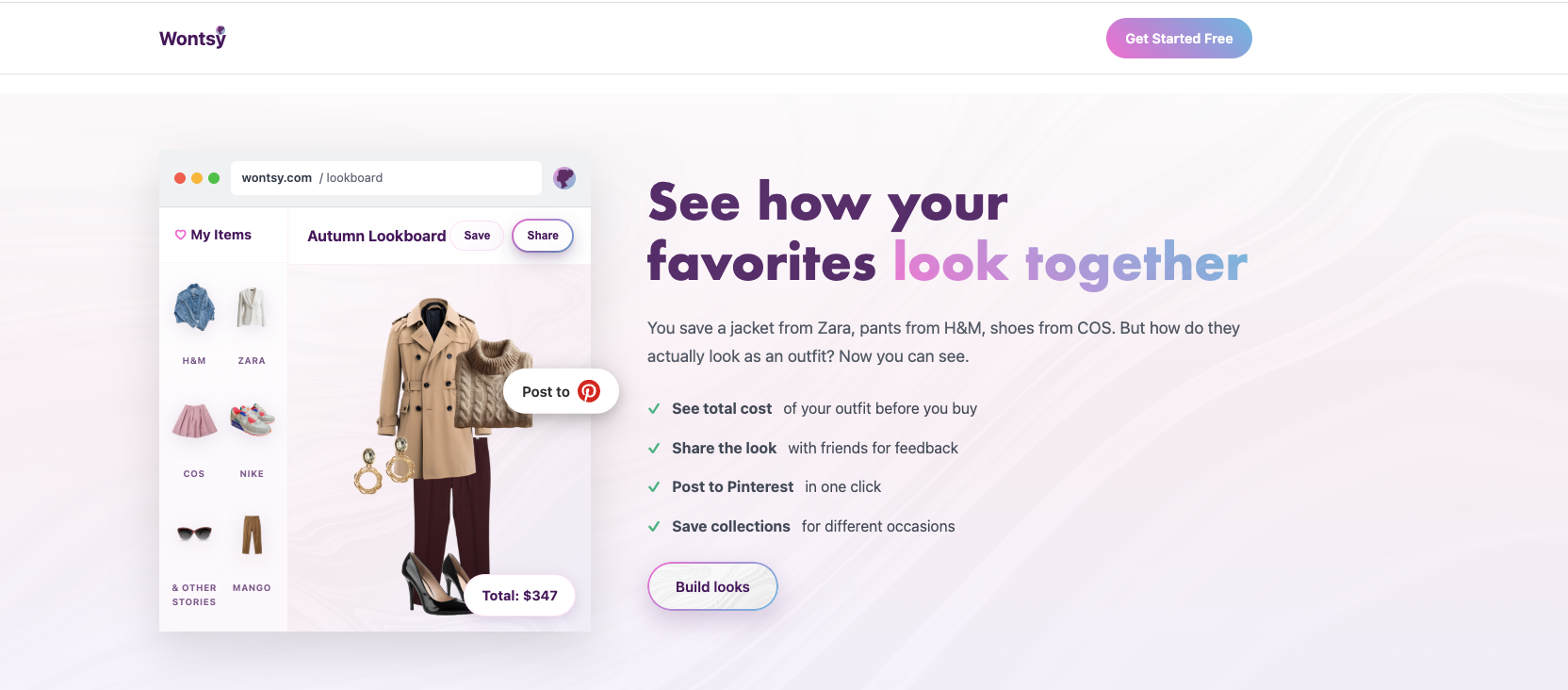
Full disclosure: this is us. Wontsy does the same universal saving as the others, but it's built specifically for fashion shopping.
The main difference is the outfit builder: drag items from different stores together to see how they'd look as a complete outfit before you buy. See total cost, share looks to Pinterest, send to friends for feedback.
If you're mostly saving electronics or home stuff, the other apps work great. But if you're shopping for clothes and want to plan outfits across Zara, H&M, ASOS, and wherever else – that's what this is built for.
Quick Comparison
| Feature | Amazon | Moonsift | Chestr | Sortd | Wontsy |
|---|---|---|---|---|---|
| Save from any store | No | Yes | Yes | Yes | Yes |
| Price tracking | No | Basic | Advanced | Yes | Yes |
| Mobile app | Yes | iOS | iOS | iOS | iOS + Android |
| Outfit building | No | No | No | No | Yes |
| Gift list mode | Yes | Yes | No | No | Yes |
| Price | Free | Free | Free | Free | Free |
How to Switch from Amazon Wishlist
Switching is easy since all these apps are free:
- Pick one app – Based on what matters most to you (design, price tracking, fashion features)
- Install the browser extension – All of them have Chrome extensions, most have Safari too
- Start saving – Browse your favorite stores normally, click the save button when you see something you like
- Optional: Transfer old items – If you have items in your Amazon wishlist you want to keep, open each one and save it to your new app
The main benefit of switching: one place for everything. Instead of scattered wishlists across Amazon, Zara, H&M, and every other store, you have one list you can actually manage.
Shopping for clothes? Try the wishlist with outfit planning built in.
Try Wontsy FreeFrequently Asked Questions
What happened to Amazon's universal wishlist?
Amazon discontinued their Assistant browser extension in March 2023. Before that, you could save items from any website to your Amazon wishlist. Now it only works for Amazon products. You need a third-party app to save items from other stores.
Can I still add items from other stores to Amazon wishlist?
No. Since March 2023, Amazon wishlist only supports products sold on Amazon. The old "Add to Amazon List" browser extension no longer works for external websites.
What is the best replacement for Amazon wishlist?
It depends on your priorities. Moonsift has the cleanest design. Chestr is best for price tracking with history charts. Sortd is simple and has 200K+ users. Wontsy is best for fashion with outfit building features. All are free.
Is there a free universal wishlist app?
Yes, all the major options (Moonsift, Chestr, Sortd, Wontsy) are free. Some have premium features, but basic wishlist functionality – saving from any store, organizing, sharing – is free on all of them.
Can I transfer my Amazon wishlist to another app?
There's no automatic import, but you can manually transfer by opening each item in your Amazon wishlist and saving it to your new app. For items from other stores, you'll need to find them again and save fresh.