 y
y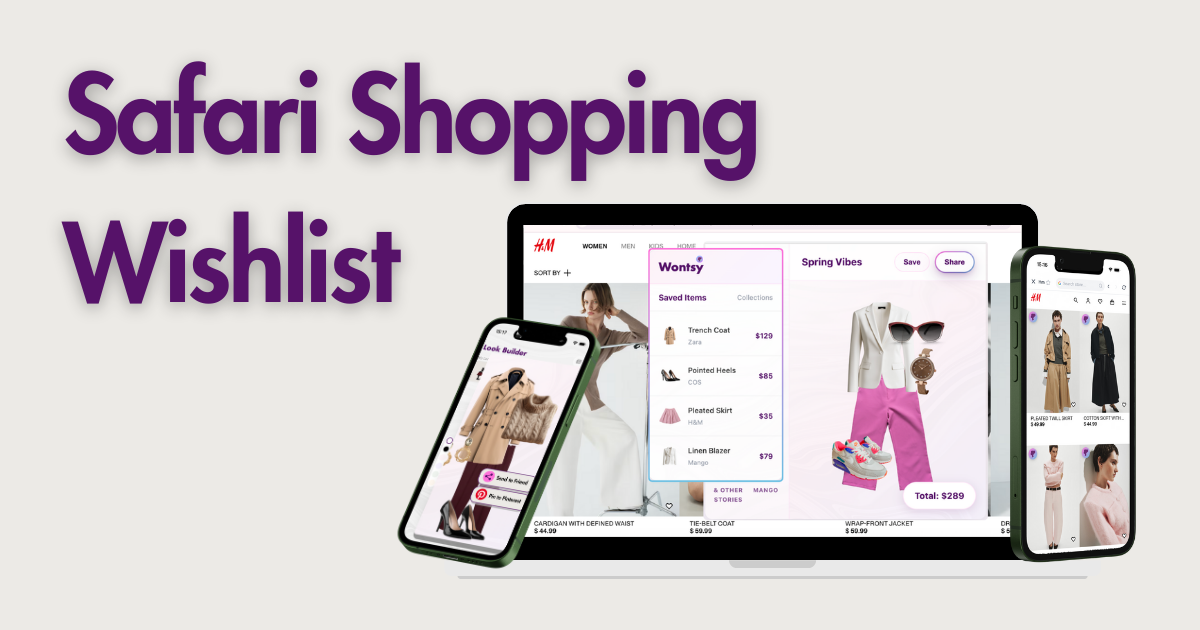
Most popular wishlist apps are Chrome-only. If you use Safari on Mac, your options are more limited. Here are the ones that actually work:
- Fashion + outfits: Wontsy
- General wishlists: Wishfinity
- Gift lists: Things To Get Me
- Quick saves: Basket
If you use Safari on Mac, you've probably noticed most wishlist apps don't work. Moonsift? Chrome only. Chestr? Chrome only. The apps everyone recommends simply aren't available for Safari users.
This is frustrating when you're trying to save items from different stores into one place. The good news: there are a few options that actually support Safari. This guide covers what's available and how to set it up.
Why Most Wishlist Apps Skip Safari
Building a Safari extension is different from building a Chrome extension. Apple requires developers to go through the Mac App Store, follow stricter guidelines, and maintain a separate codebase. Many developers skip it because the extra work doesn't seem worth it for a smaller user base.
The result: Safari users get left out. If you search for "universal wishlist" or "save items from any store," you'll find plenty of Chrome extensions. Safari options are harder to find.
Popular apps like Moonsift and Chestr are great, but they're Chrome-only. If you're committed to Safari, you'll need one of the alternatives below.
Safari Wishlist Options Compared
Here's how the Safari-compatible options stack up:
| Feature | Wontsy | Wishfinity | Things To Get Me | Basket |
|---|---|---|---|---|
| Safari extension | ✓ | ✓ | ✓ | ✓ |
| iPhone app | ✓ | ✓ | ✓ | ✓ |
| Save from any store | ✓ | ✓ | ✓ | ✓ |
| Price drop alerts | ✓ | – | – | ✓ |
| Outfit builder | ✓ | – | – | – |
| Collections | ✓ | ✓ | ✓ | ✓ |
| Share lists | ✓ | ✓ | ✓ | ✓ |
| Free | Free | Free | Free | Free |
Wontsy

Wontsy
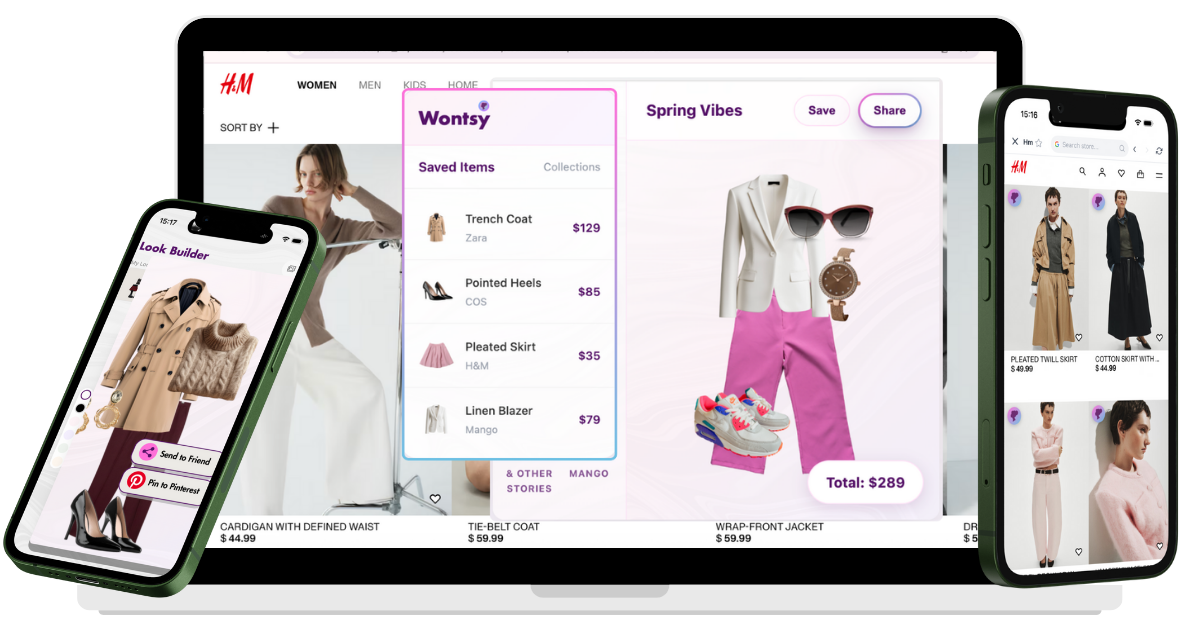
Full disclosure: this is us. Wontsy has a native Safari extension in the Mac App Store, plus apps for iPhone and Android. Everything syncs automatically.
What makes it different from other wishlist apps is the outfit builder. If you're saving clothes, you can drag items from different stores together to see how they look as a complete outfit before you buy. You can also share looks to Pinterest or send collections to friends.
The Safari extension works on any store. Click the icon, save the item with its image and price, organize into collections. Price drop alerts notify you when something goes on sale.
Get it: Safari extension (Mac App Store) · iPhone app
Wishfinity

Wishfinity
Wishfinity is a solid general-purpose wishlist app with Safari support. One click saves the item's title, image, description, and price. You can create separate lists for yourself, kids, partner, or events.
The focus is on gift-giving and sharing. Friends and family can view your lists and mark items as purchased. No fashion-specific features like outfit building, but it handles basic wishlisting well.
Get it: Mac App Store
Things To Get Me

Things To Get Me
Simple and focused on gift wishlists. The Safari extension lets you add products from any site while browsing. Share your list with family and friends for birthdays, holidays, or other occasions.
Less feature-rich than other options, but if you mainly want a wishlist for gift-giving purposes, it does the job without extra complexity.
Get it: Mac App Store
Basket
Basket
Basket works through Safari's share menu rather than a toolbar extension. Tap share, select Basket, and the item gets saved. Works on hundreds of thousands of stores.
Has price tracking and will notify you when items drop in price. The interface is clean and the app syncs between Mac and iPhone. Good option if you prefer share-sheet workflows.
Get it: App Store
How to Install a Wishlist Extension on Safari
Safari extensions come from the Mac App Store. Here's how to set one up:
-
Download from Mac App Store
Search for the app (like "Wontsy") in the Mac App Store and click Get to install.
-
Enable in Safari settings
Open Safari, go to Safari → Settings → Extensions. Find the extension and check the box to enable it.
-
Grant permissions
The extension needs permission to read pages you visit. Click "Allow" when prompted, or set it to "Allow on All Websites" in extension settings.
-
Start saving
Browse any store, click the extension icon in Safari's toolbar, and save items to your wishlist.
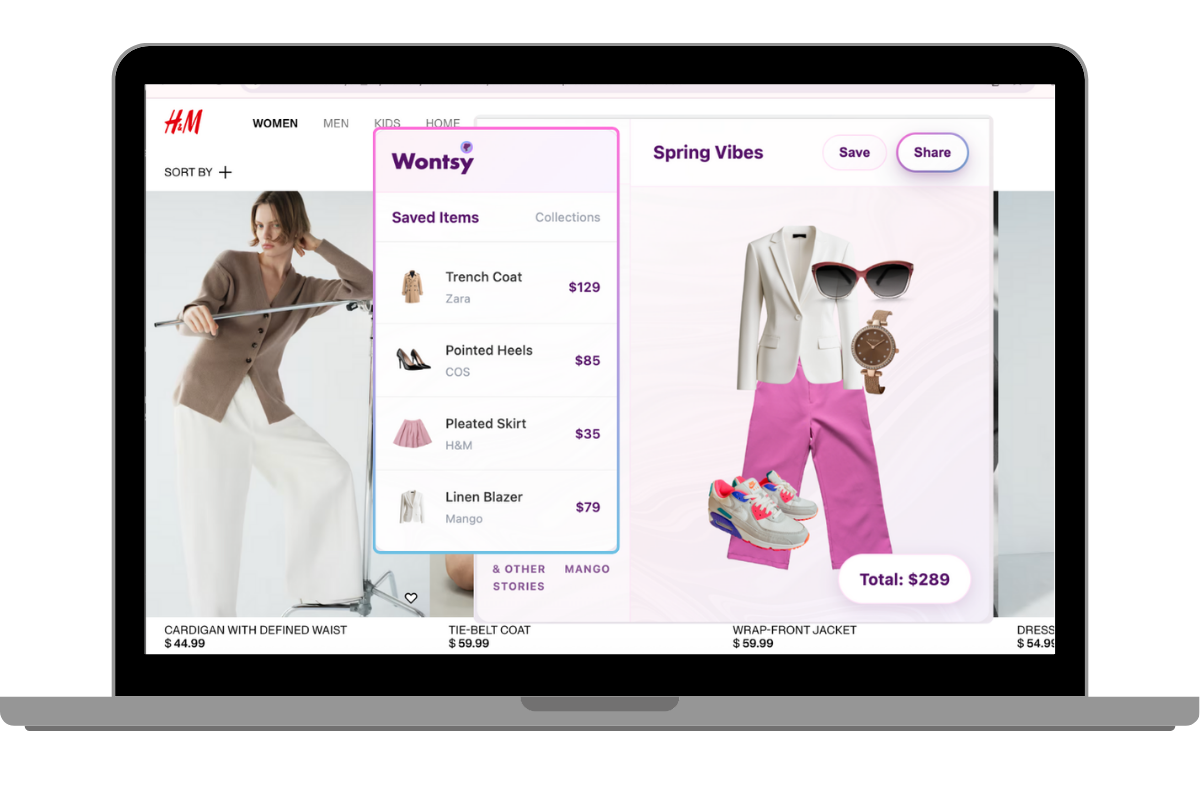
To sync with your iPhone, install the companion iOS app and sign in with the same account. Items you save on Mac appear on your phone automatically.
Shopping for clothes on Safari? Try the wishlist with outfit planning built in.
Get Wontsy for SafariFrequently Asked Questions
How do I make a wishlist in Safari?
Install a wishlist extension from the Mac App Store (like Wontsy or Wishfinity), enable it in Safari settings, then click the extension icon when browsing any store to save items. Your wishlist syncs across devices.
Is there a wishlist extension that works on Safari?
Yes, but options are limited compared to Chrome. Safari-compatible wishlist apps include Wontsy, Wishfinity, Things To Get Me, and Basket. Popular apps like Moonsift and Chestr are Chrome-only.
How do I sync my wishlist across Safari and iPhone?
Use an app with both a Safari extension and iOS app. Wontsy, Wishfinity, and Basket all sync automatically between Mac and iPhone. Save on Safari, access on your phone, and vice versa.
What is the best wishlist app for Mac?
Depends on what you need. For fashion shopping with outfit building, Wontsy. For general wishlists and gift sharing, Wishfinity. For simple gift lists, Things To Get Me. All are free.
Why don't Moonsift and Chestr support Safari?
Safari extensions require separate development through the Mac App Store, with different code and stricter guidelines than Chrome. Many developers skip Safari because the extra work doesn't seem worth it for a smaller user base.